Safe Zone Templates for Reels, TikTok and Shorts
Transparent PNG overlays that show where the app covers your video. Drop one on the top track, keep text and faces inside the frame.
Download all 16 templates (ZIP)
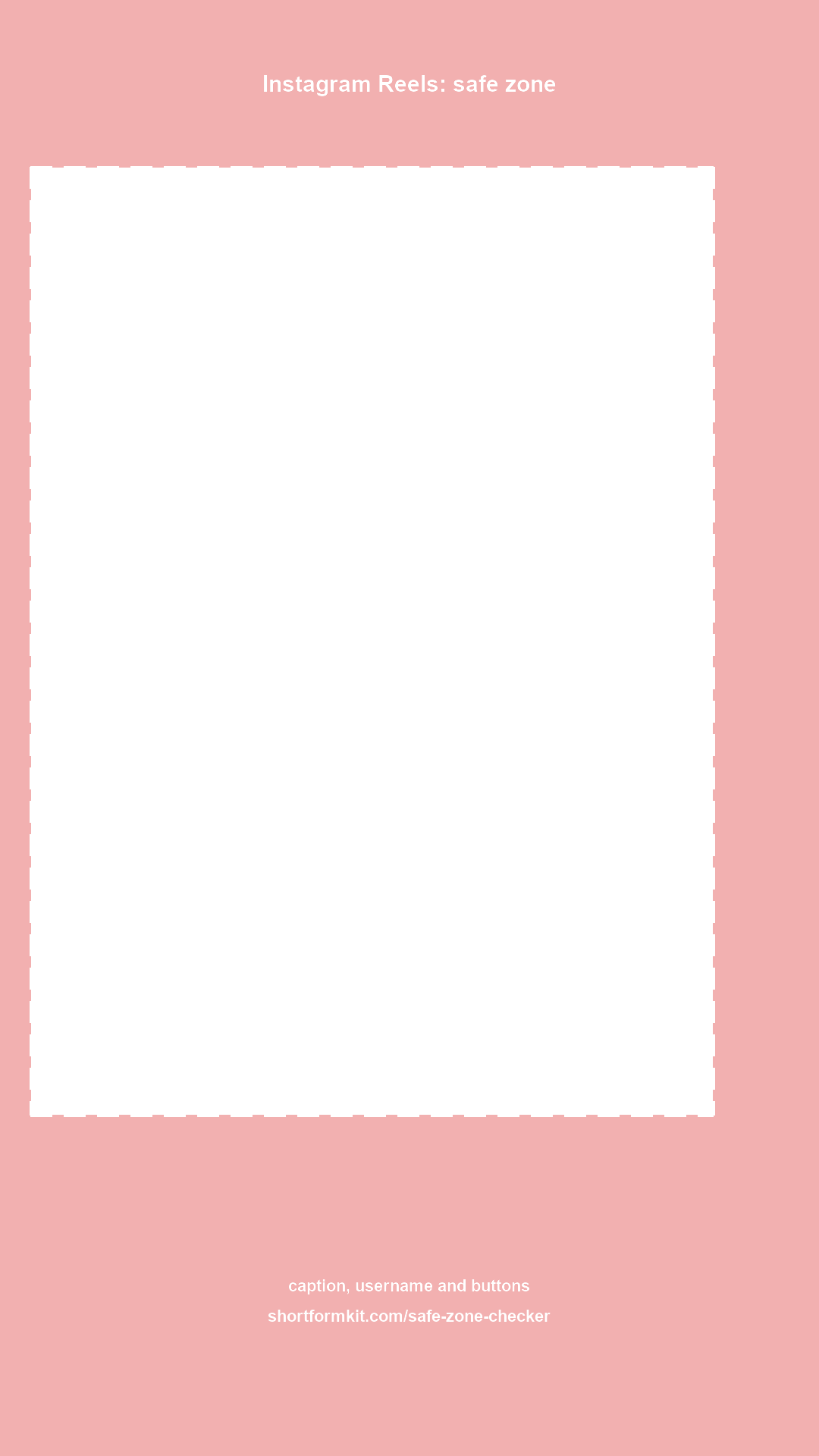
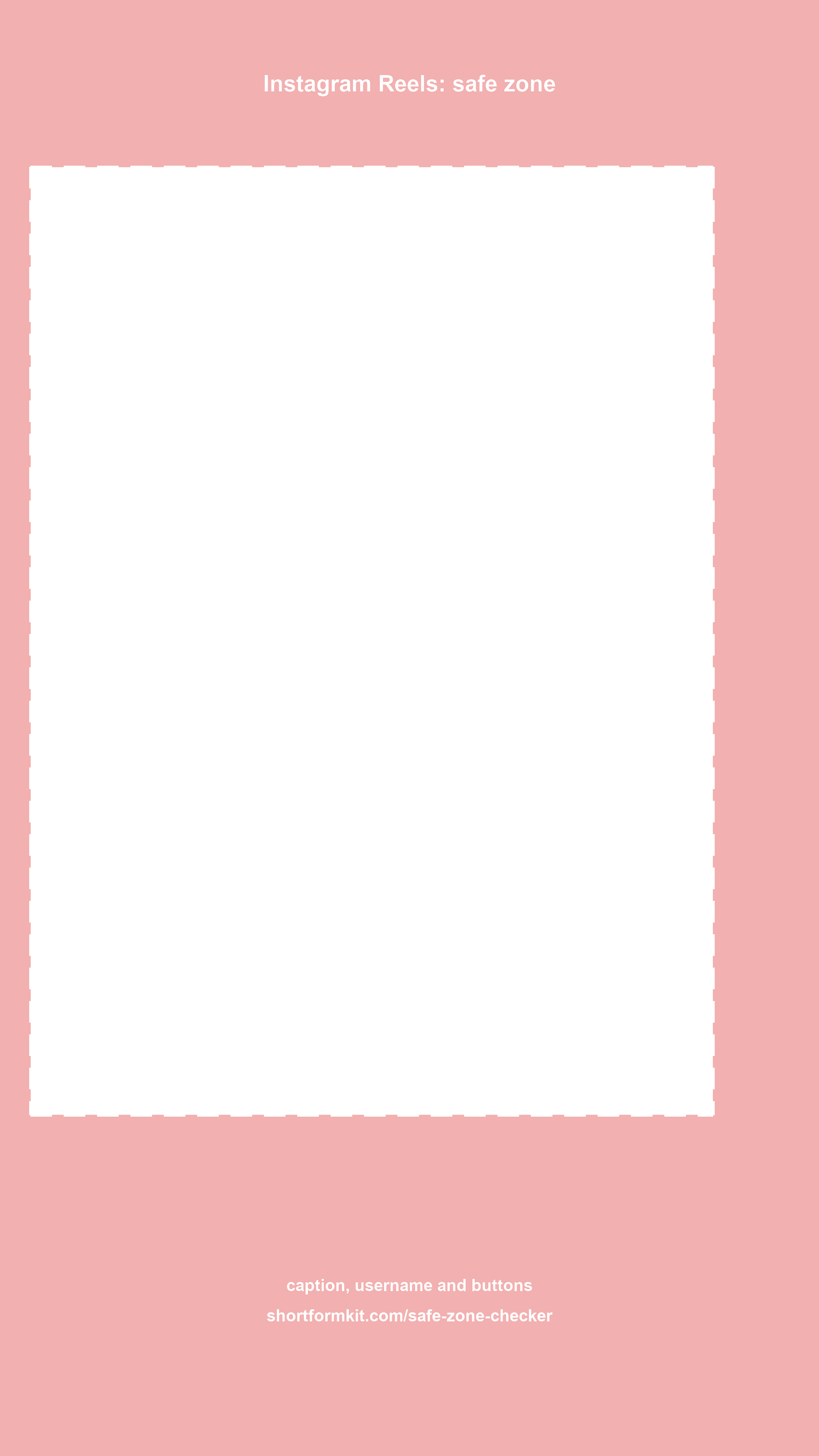

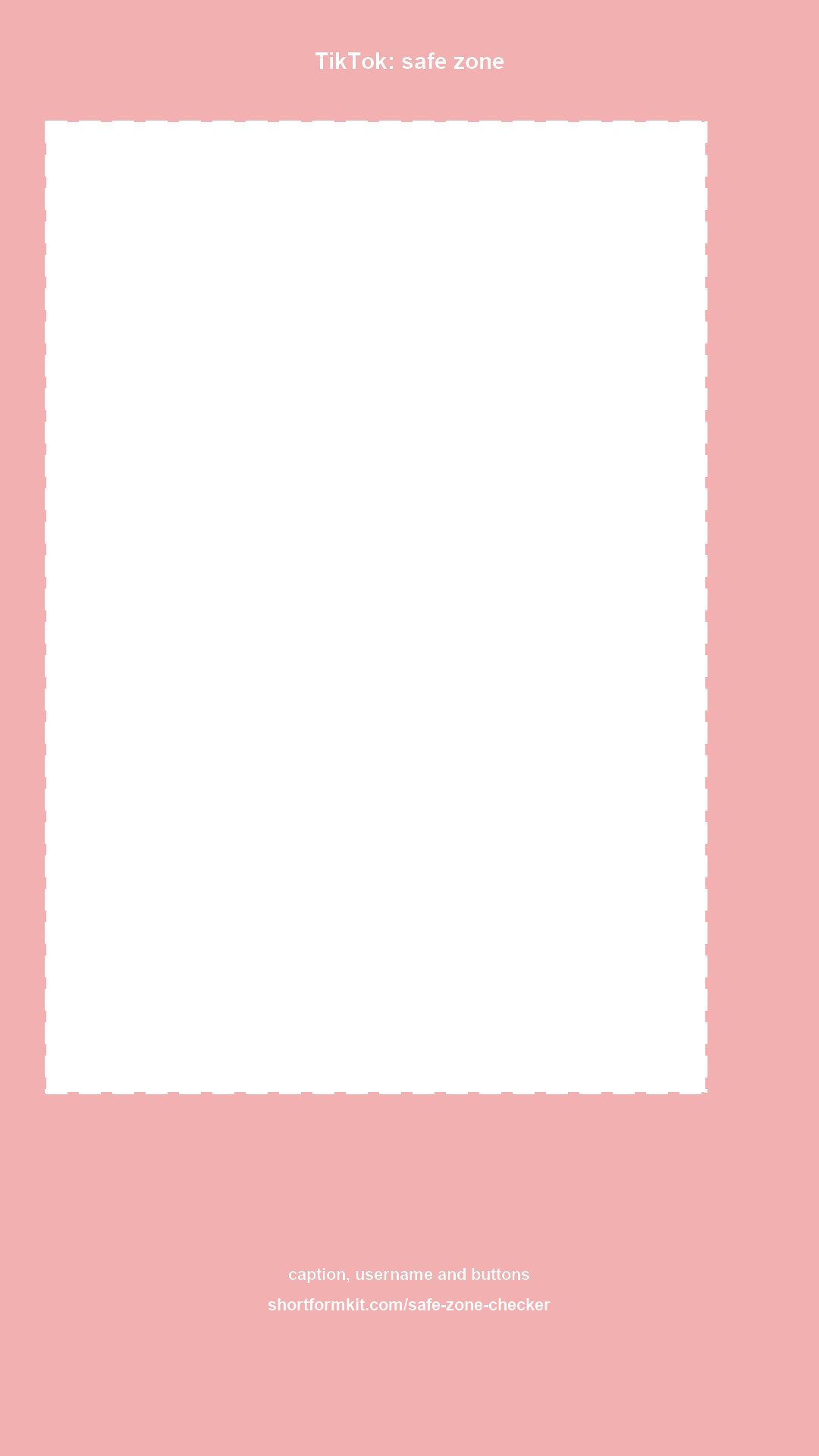
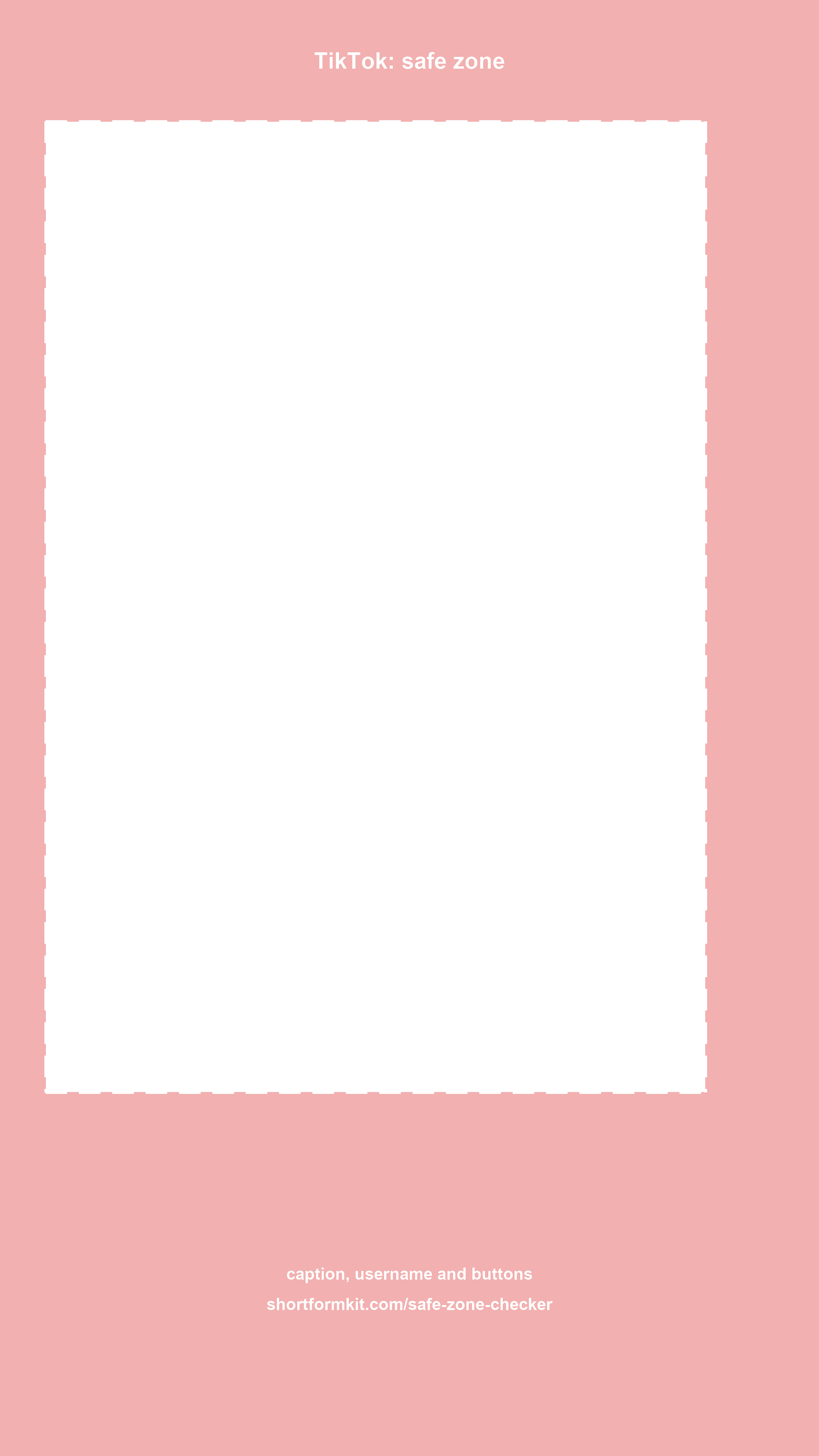

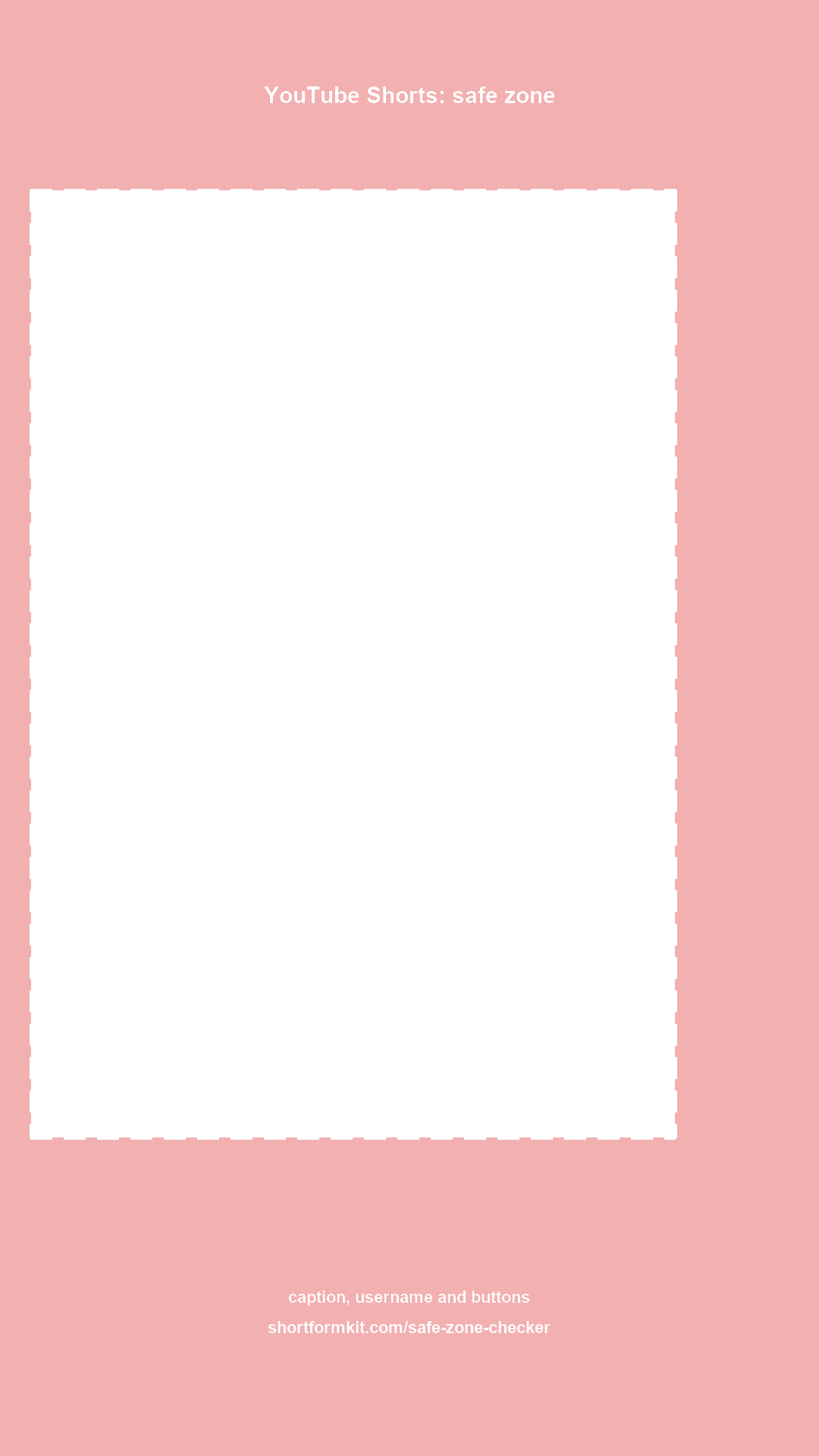
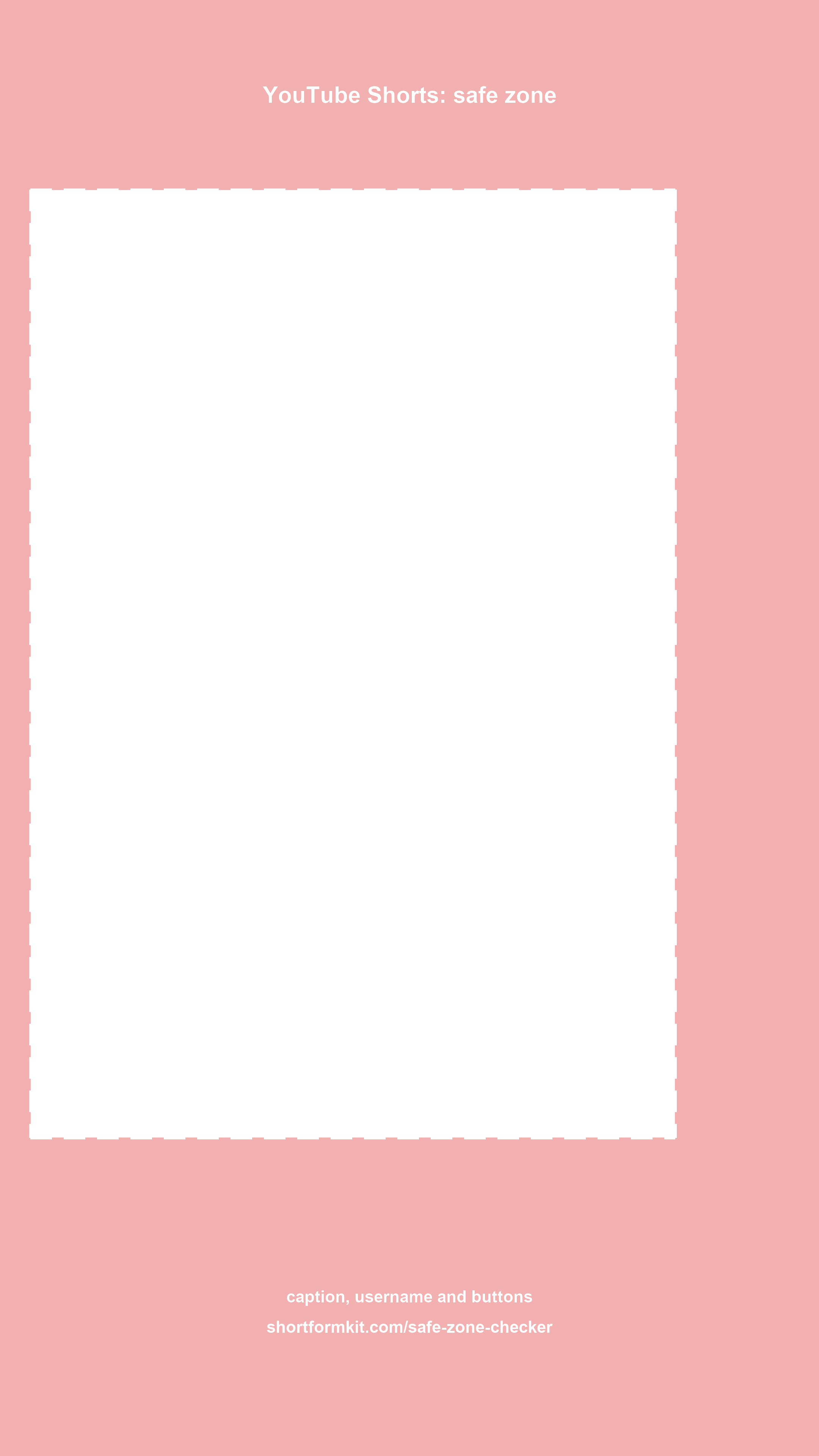

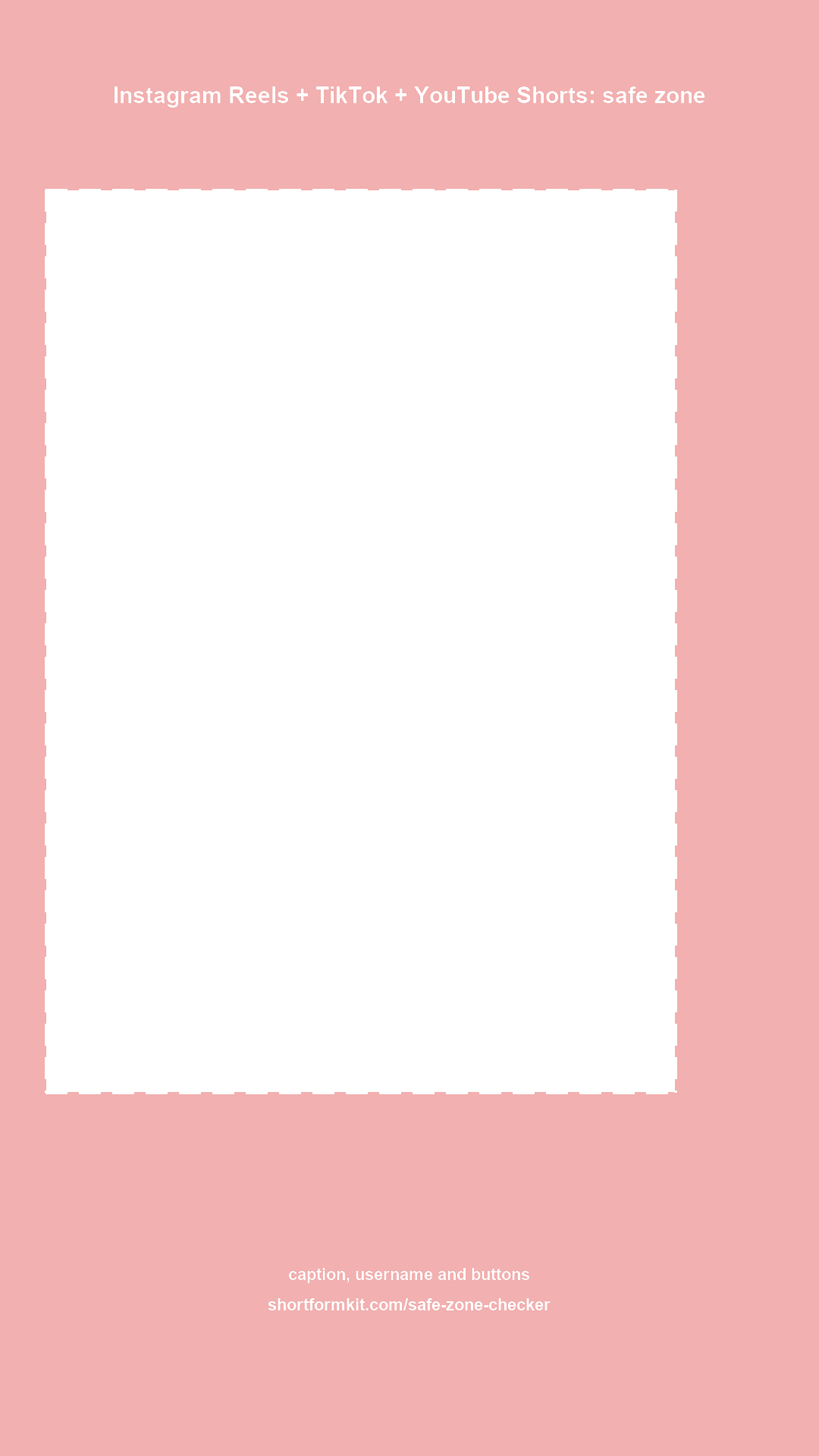
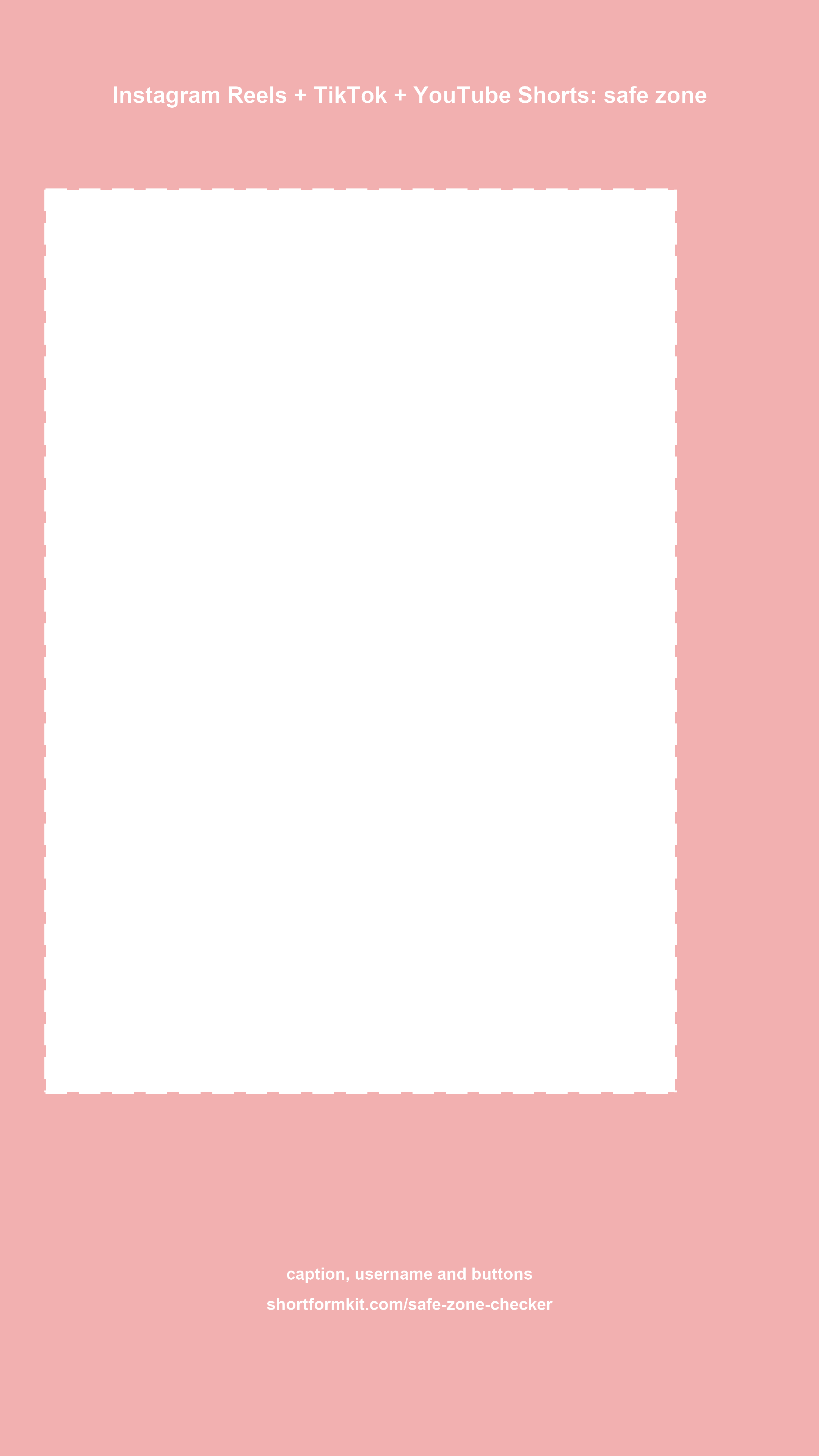

Every short-form app puts its own interface over your video: the username and caption at the bottom, the like, comment and share buttons on the right, the search bar or tabs at the top. Text or a face in those areas gets covered on the phone, even though it looks fine in your editor.
These overlays mark the covered areas in red and the safe frame with a dashed line. There is one for each platform and one that combines all three, which is what you want when the same edit goes to Reels, TikTok and Shorts. Each comes in 1080×1920 and 2160×3840 (4K), with labels or clean.
How to use them
- Premiere Pro and DaVinci Resolve: import the PNG, put it on the top video track over the whole timeline, and disable the track before you export.
- Final Cut Pro: drag the PNG above your storyline as a connected clip and stretch it, then disable it (V) before sharing.
- CapCut: add it as an overlay, set it to full screen, and delete it before export.
The values are based on the platforms' published templates, rounded up a little for safety (checked October 2026). Want to check a finished frame instead? Use the safe zone checker: drop a frame or video and see what gets covered.
Free to use for any project, personal or commercial. A credit or a link is appreciated but not required.
FAQ
What are the safe zone margins for TikTok?
In a 1080×1920 frame we keep about 160 px free at the top, 480 px at the bottom, 60 px on the left and 150 px on the right. The bottom is the biggest area because of the caption, username and sound name.
What are the safe zone margins for Instagram Reels?
About 220 px at the top, 450 px at the bottom, 40 px on the left and 140 px on the right in 1080×1920.
What are the safe zone margins for YouTube Shorts?
About 250 px at the top, 420 px at the bottom, 40 px on the left and 190 px on the right in 1080×1920. Shorts has the widest button column on the right.
Can I use one template for all three platforms?
Yes, use the all-platforms version. It combines the largest margin of each side, so anything inside its frame is visible on Reels, TikTok and Shorts.
Will the overlay show up in my export?
Only if you leave the track on. Disable or delete the overlay track before you export.