YouTube Banner Template
Transparent PNG overlays with the safe area for text and logos marked, so nothing important gets cropped on phones, computers or TVs.
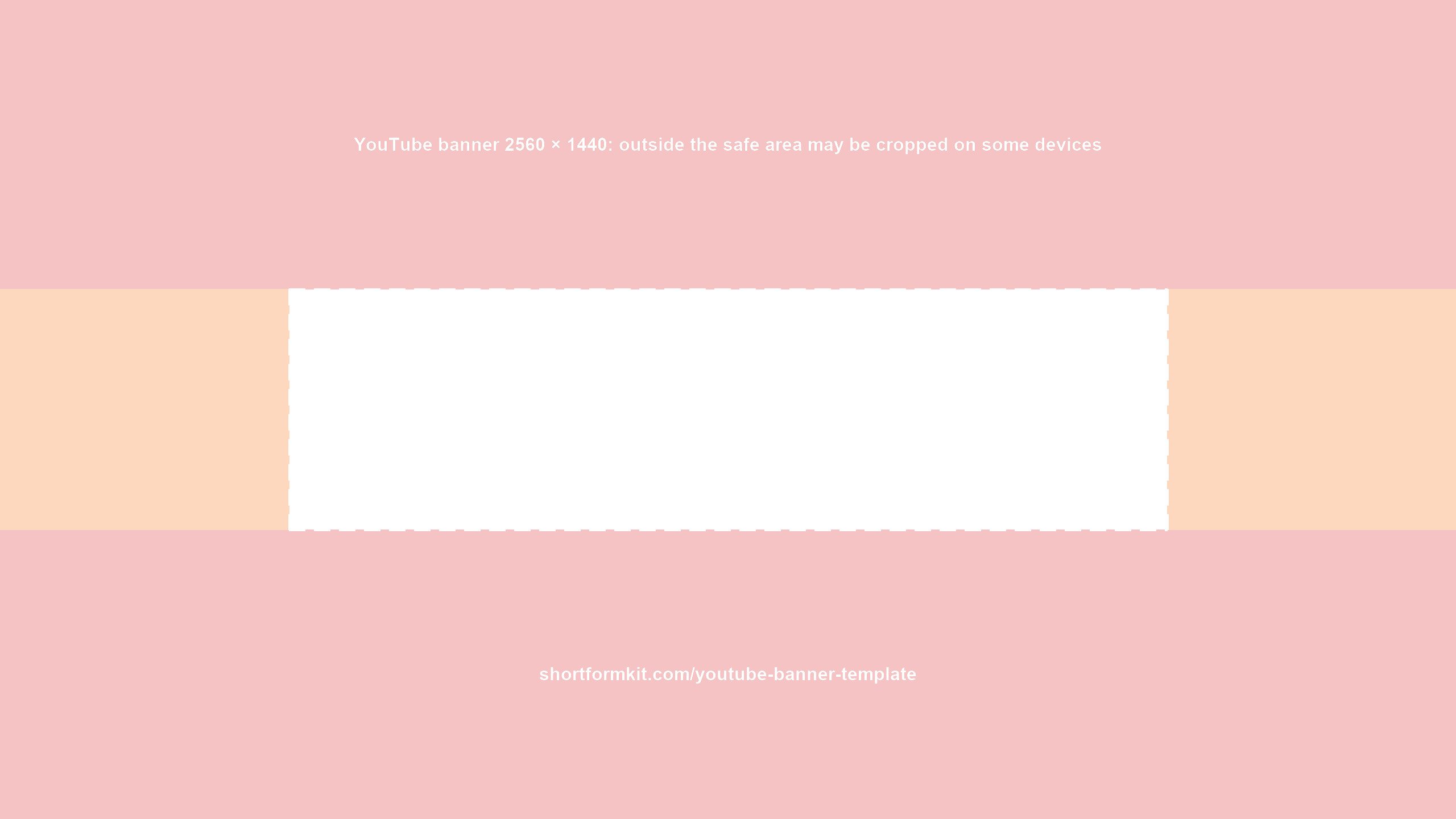
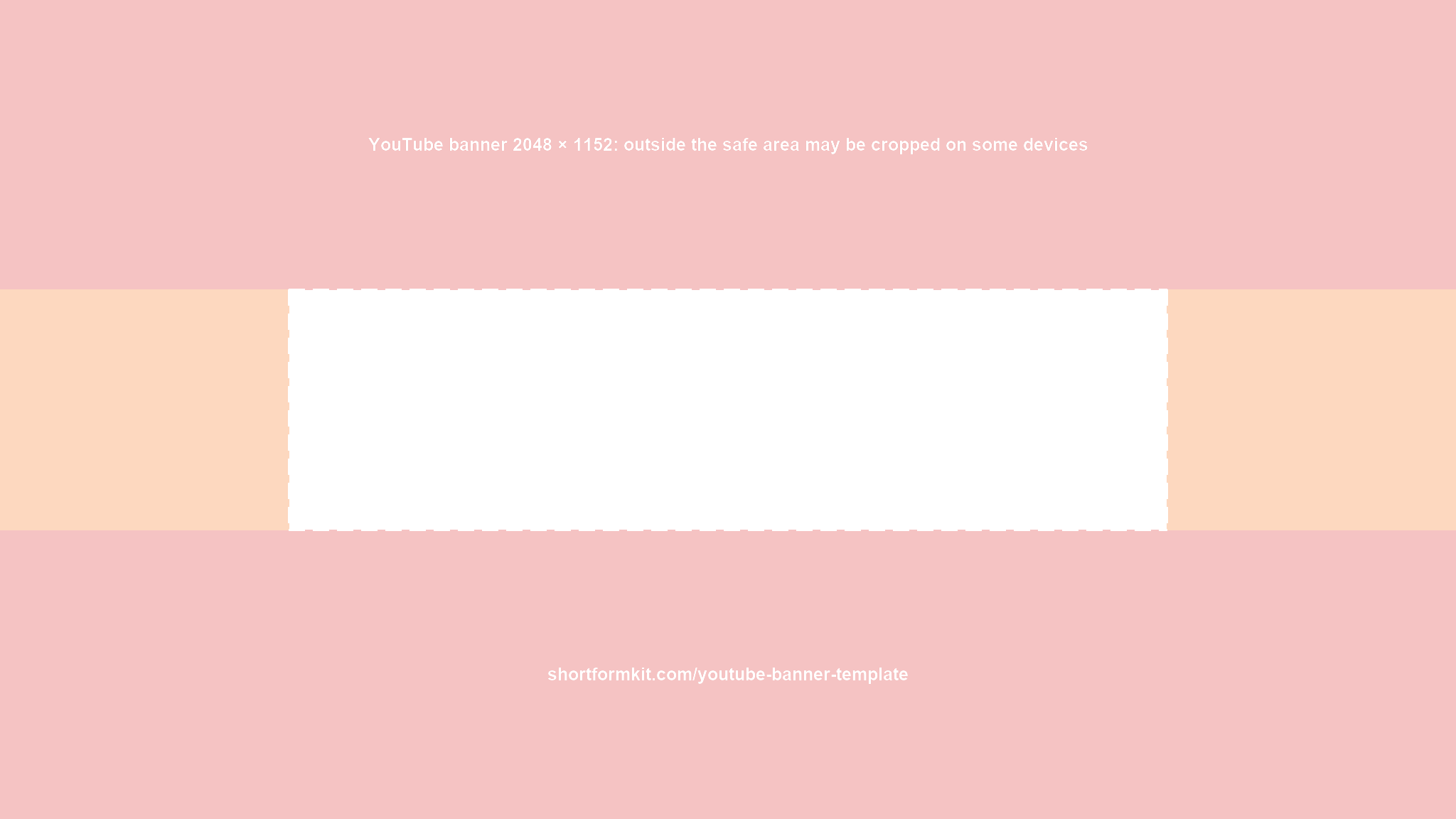


YouTube banner size: 2560 × 1440 px recommended, at least 2048 × 1152 px (16:9), up to 6 MB. Keep text and logos inside the safe area: 1235 × 338 px at 2048 × 1152, which is about 1544 × 423 px at 2560 × 1440.
YouTube shows the same banner on computers, phones and TVs but crops it differently on each. Only the centre strip is safe on every device. These templates mark that strip with a dashed frame and tint everything that may be cropped.
How to use it
- Open the 2560 × 1440 PNG as the top layer in Photoshop, Canva, Figma or Affinity.
- Put your channel name, logo and any text inside the dashed frame. The background can fill the whole image.
- Hide the template layer and export a JPG or PNG under 6 MB.
Official values from YouTube Help (banner image guidelines): recommended 2560 × 1440, minimum 2048 × 1152, safe area 1235 × 338 at minimum size, 6 MB or smaller. The 1544 × 423 safe area at 2560 × 1440 is the same area scaled by 1.25. Checked 2026-10-13. Source: YouTube Help.
Free to use for any channel. Making a thumbnail too? Check it against this week's top thumbnails with the thumbnail checker.
FAQ
What size is a YouTube banner?
2560 × 1440 px is recommended. The minimum is 2048 × 1152 px in 16:9, and the file must be 6 MB or smaller.
What is the safe area of a YouTube banner?
1235 × 338 px in the centre of a 2048 × 1152 banner. At 2560 × 1440 that is about 1544 × 423 px. Text and logos outside it may be cropped.
Why is my YouTube banner cut off on mobile?
YouTube crops the banner differently on each device. Only the centre safe area is shown everywhere.
Can I use the template for free?
Yes, for any channel, personal or commercial.